For traders who still keep a notebook
Your notebook, made to work for you.
Photograph a page of your sales book. Ahia reads it, checks the numbers, and shows you who owes you. Then it helps you set a little aside every day, from what you actually sell.
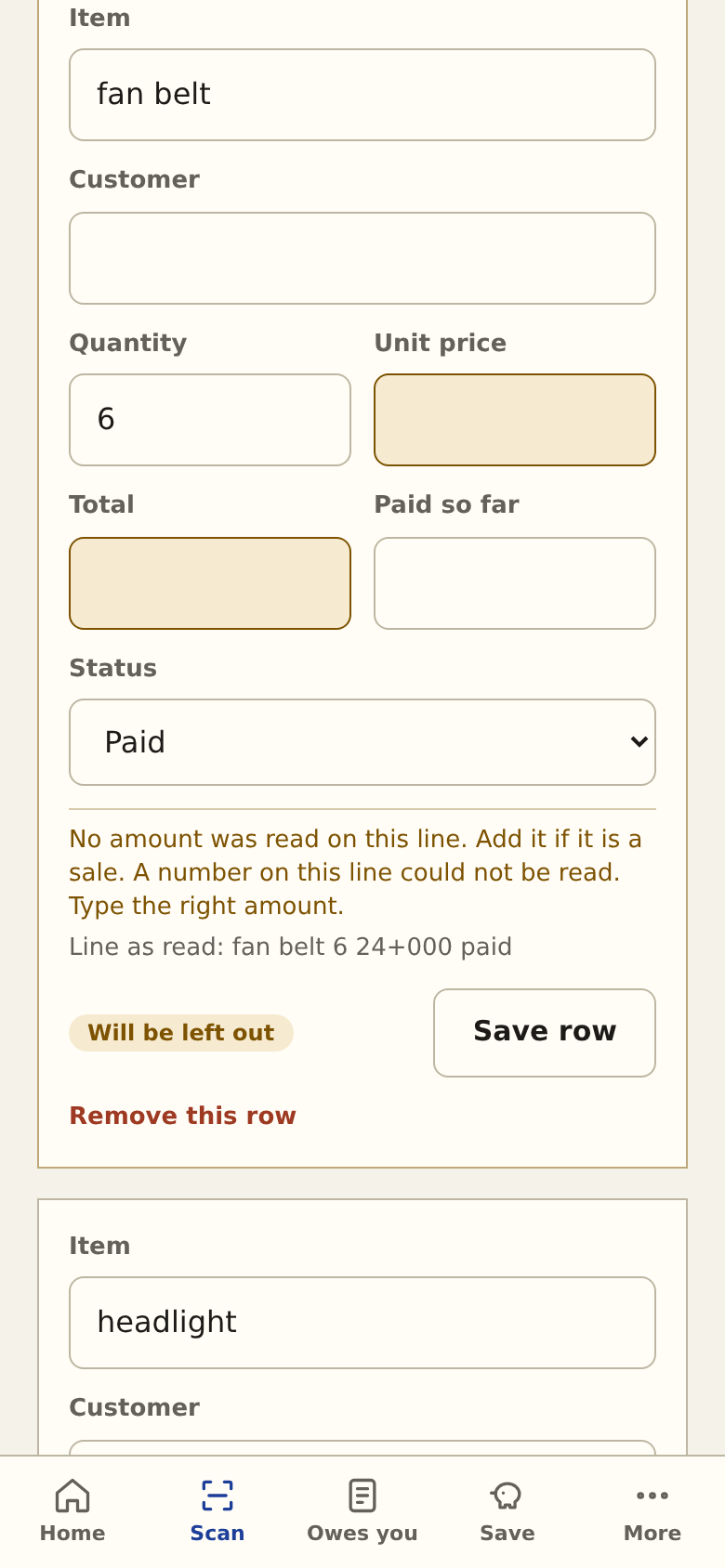
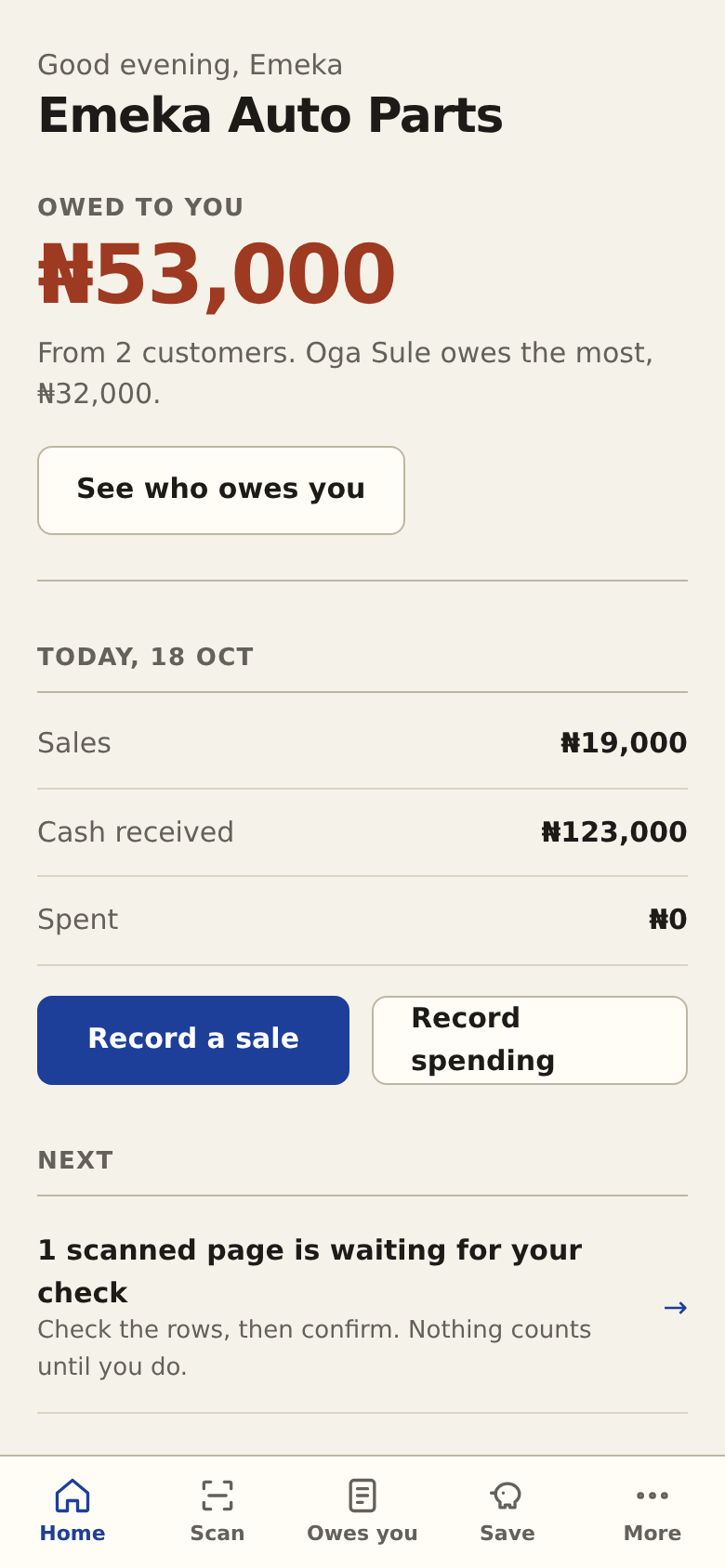
Screens show a made-up shop and sample notebook pages.
How it works
From the exercise book to a savings habit
-
1 SCAN
Photograph a page
Take a photo of a page of your sales book. Ahia reads the handwriting, including the way traders really write: 2.5k, 33/000, a naira sign that looks like an A, a name written as a heading, a line struck through when a debt is paid.
-
2 CHECK
You check it, then it counts
You see your photo next to the rows. Anything doubtful is highlighted with the reason in plain words. Nothing is added to your sales until you confirm the page.
-
3 COLLECT
Know who owes you
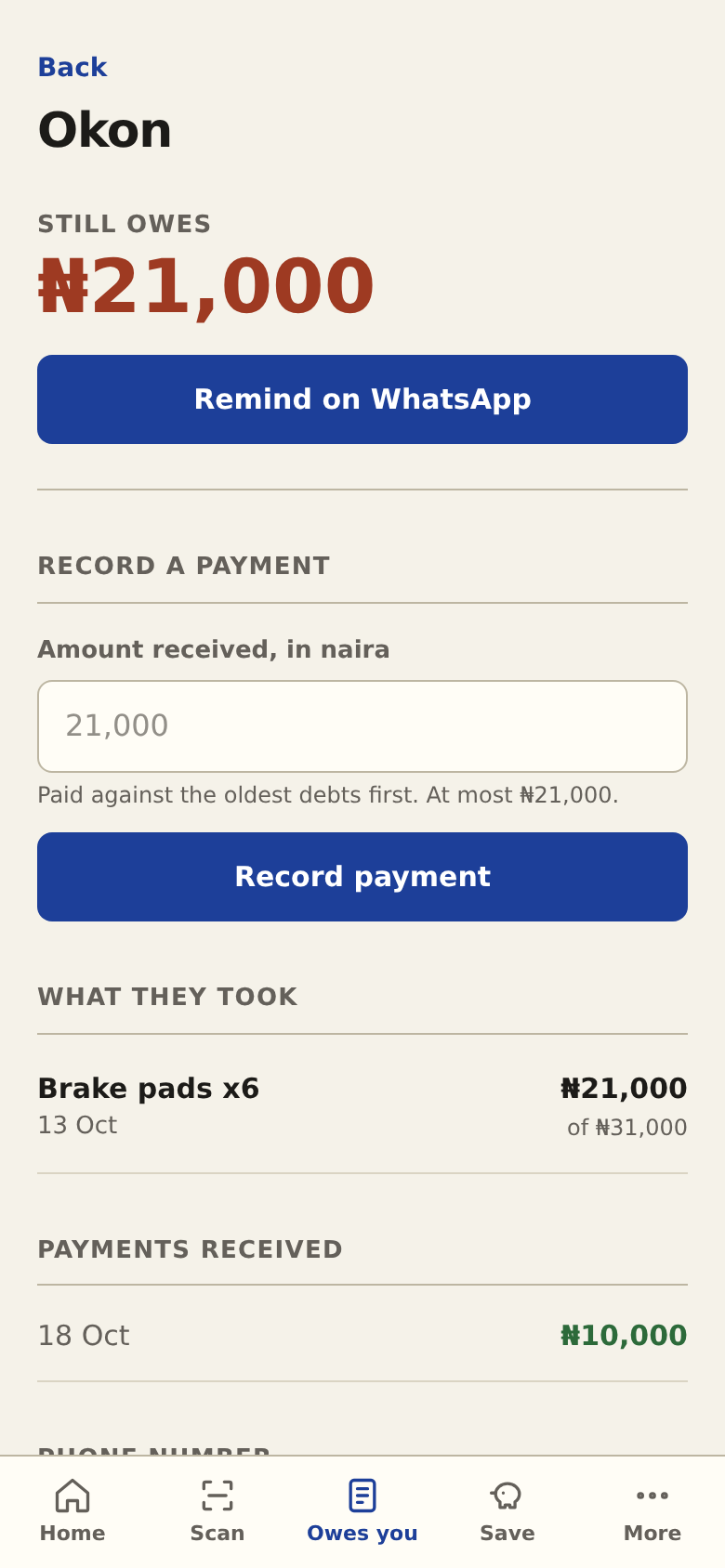
Debts from the book become a list of customers. Send a WhatsApp reminder in one tap. When someone pays part, record it and the oldest debt is cleared first.
-
4 SAVE
Set a little aside, every day
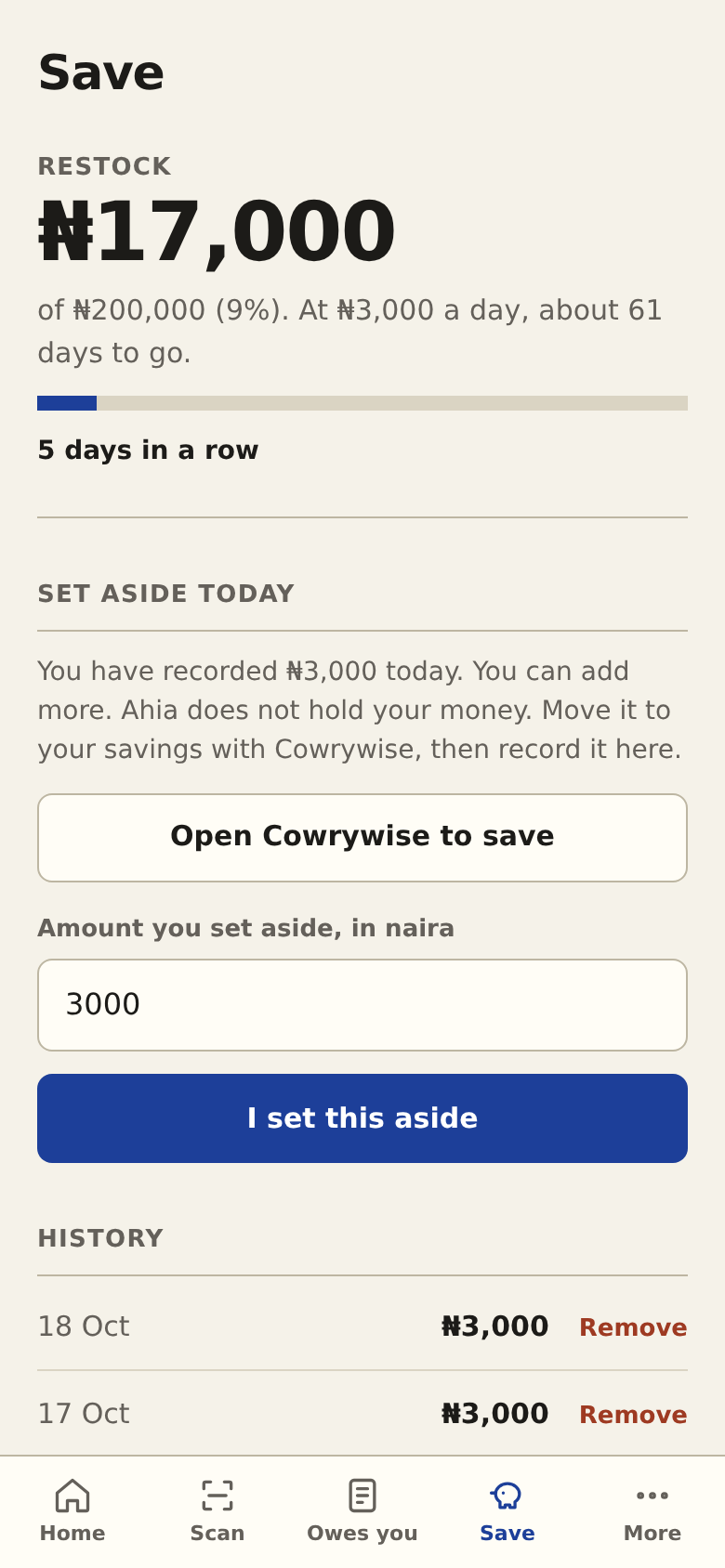
From the cash you have actually recorded, Ahia suggests a small daily amount, keeps a streak toward a goal such as restocking, and points you to Cowrywise to put the money away. Ahia never holds your money.
-
5 SHOW
A record a lender can read
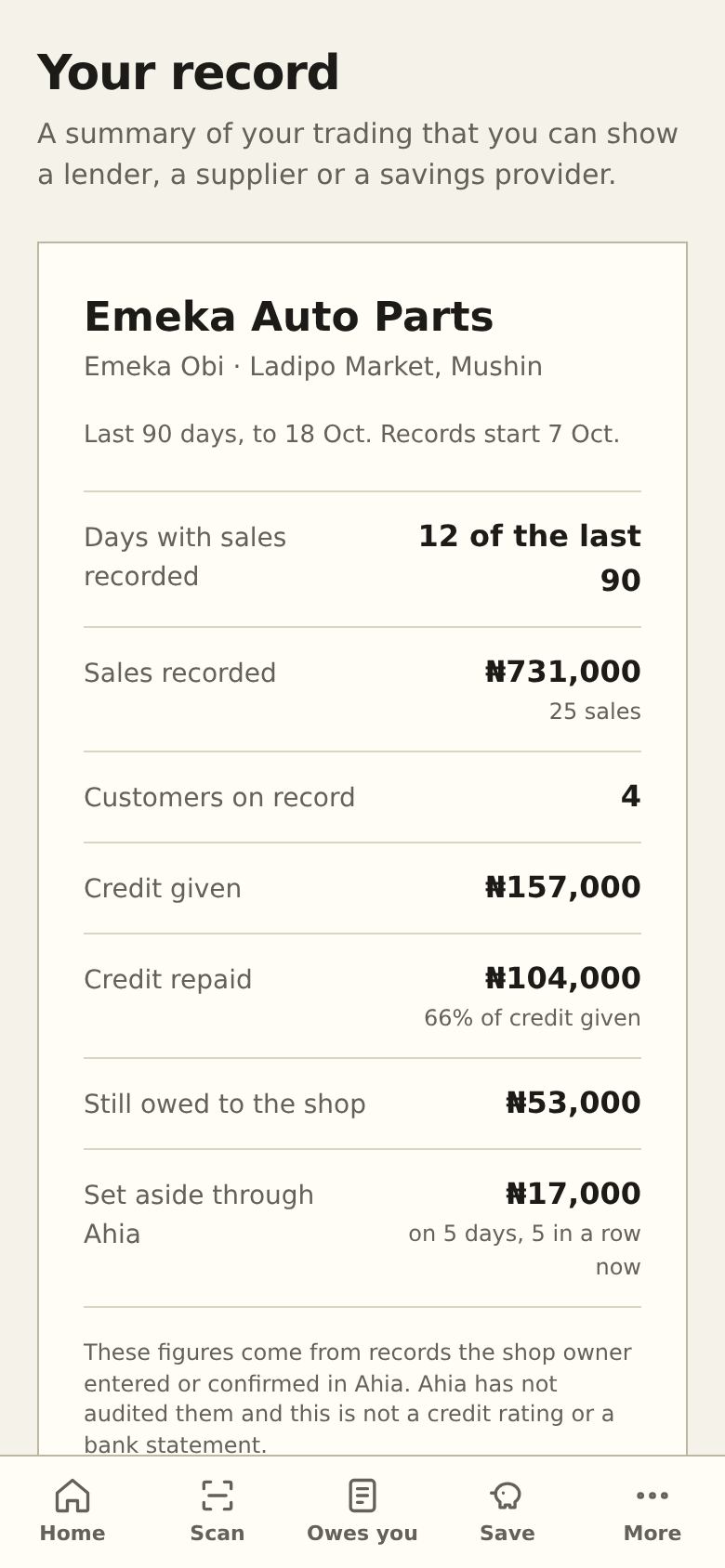
Months of checked sales, credit given and credit repaid, and what you have set aside, on one page you can print or send. It is built from your own confirmed records, so it grows as you trade.
Why you can trust the numbers
The AI copies. Plain code adds up. You confirm.
A reader that also adds things up can produce a total that looks right and is wrong. So Ahia never lets it.
The reader only copies
An open AI model transcribes each line exactly as written. It is never asked to calculate anything.
Code does every sum
Quantity times price is recomputed. Each total must appear in the line it came from. The rows must add up to the total written at the bottom of the page.
You decide
A page counts only after you confirm it, and it can never be counted twice.
Why it exists
Built around how a trader really works
- No retypingYears of paper records are why most traders never start with an app. Ahia starts from the notebook you already have.
- Money owed, in viewWhat customers owe sits in a book nobody can total or search. Ahia turns it into a list you can act on.
- Saving that fits the dayThe suggestion comes from your real cash, and it is explained in one sentence: a share of the typical day's cash left after the spending you recorded.
- A paper trailChecked records, credit given and repaid, and savings habit give a bank or lender something to look at.
Questions
What traders ask
Does Ahia hold my money?
No. Savings stay with your savings provider. Ahia suggests an amount, keeps count, and records what you tell it you set aside.
Can the AI get my numbers wrong?
It can misread handwriting, which is why every page is checked and highlighted fields come with a reason, and why nothing counts until you confirm. We have not yet measured accuracy on a large set of real notebooks, so treat the first pages as a check, not a finished book.
Who can see my records?
Only your account. Your photos are kept in a private store. To read the handwriting, the photo is sent to a reading service; the customer names you have saved are not sent with it. Ahia has not had an independent security audit.
Do I need a notebook to try it?
No. The app has a sample page with made-up data, and you can also record sales by hand.
Does it work without internet?
Not yet. You need a connection to scan pages and save records.
What does it cost?
It is free while we learn how traders use it.
Try it with a sample page
Create an account, open Scan, and choose the sample page. It takes about a minute to read and you will see exactly how the checks work.